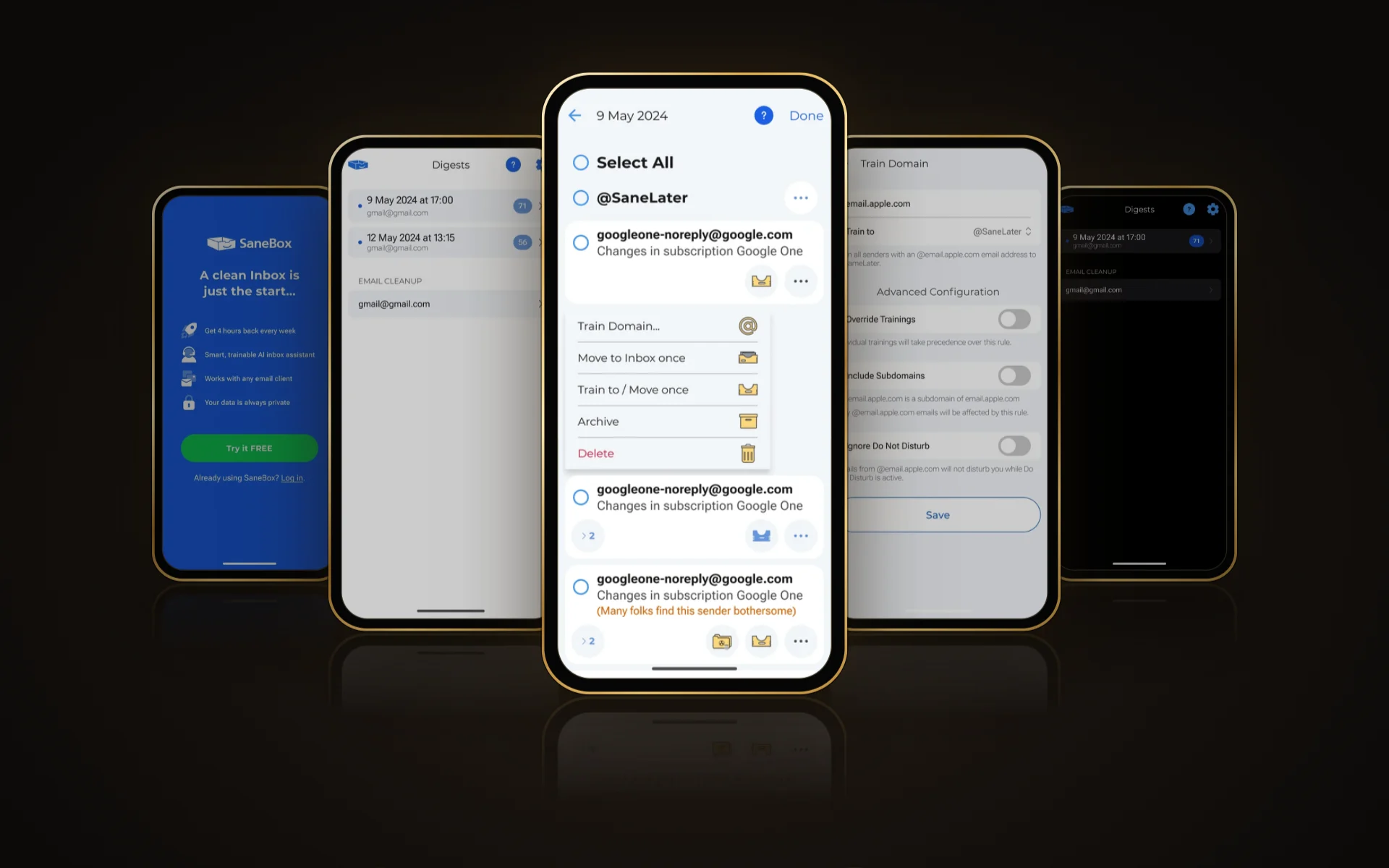
The SaneBox digest, folders and training, one tap away on Android. The app is live on Google Play.
Business context
What the client needed
SaneBox sorts email with AI: unimportant messages leave the inbox, reminders bring back what matters, and BlackHole makes unwanted senders disappear. We designed and built its app for Android.
SaneBox works on top of the mailbox people already have - Gmail, Outlook, iCloud, Yahoo, AOL or any other. It learns what matters to each person and files the rest into folders such as SaneLater and SaneBlackHole. Users wanted the same control on the phone: read the digest, train a sender, move a message where it belongs.
User stories
What people do with it
- As a busy professional, I want to clear my digest of unimportant mail on my phone, so that my inbox stays clean between meetings.
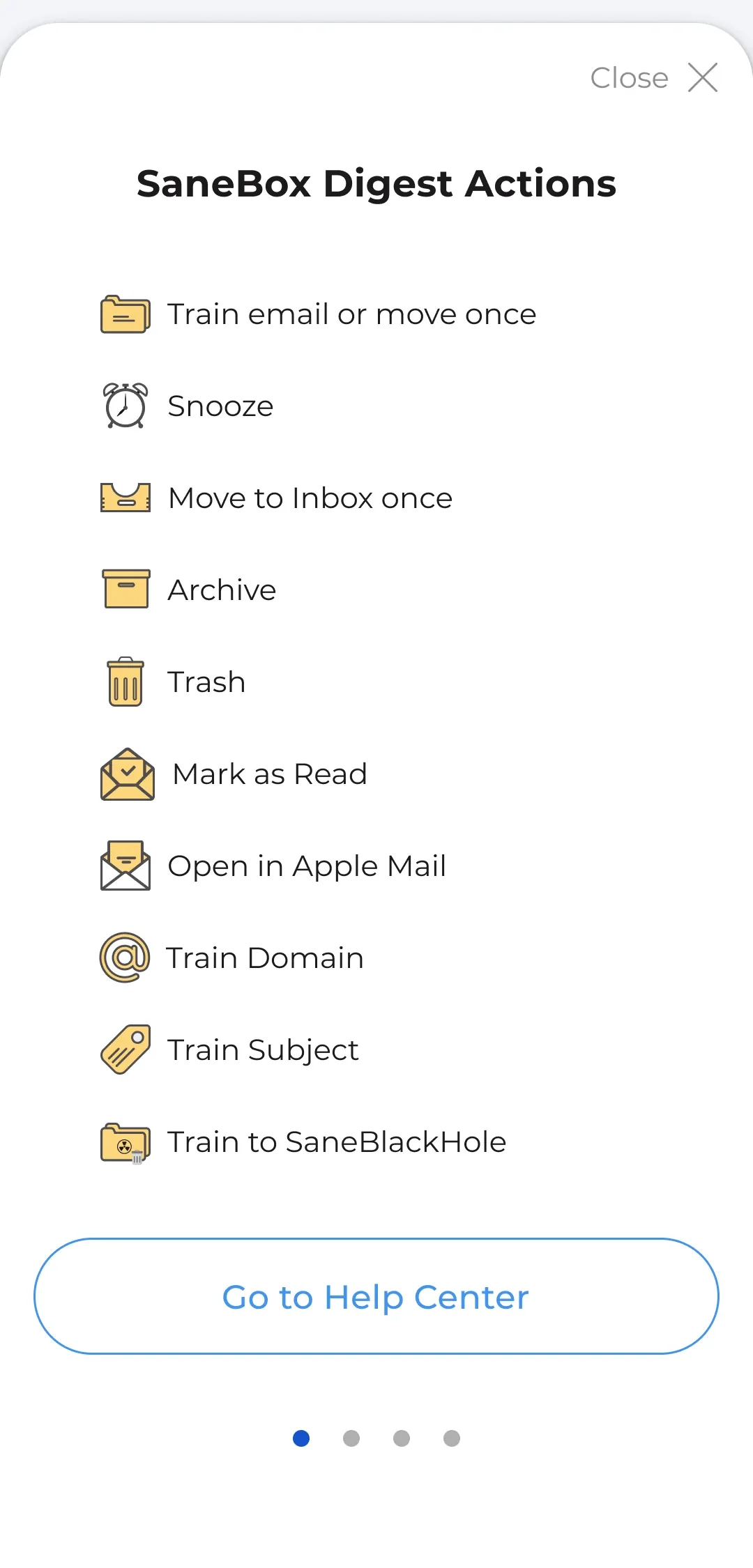
- As a user, I want to train a sender to a folder with one tap, so that SaneBox files it that way from then on.
- As a user, I want a notification when something needs me, so that I open the app only when it matters.
Key challenges
What made it hard
- 01Every SaneBox feature on a phone. Sorting, reminders, BlackHole, Snooze and attachments had to work from the app the way they work on the web.
- 02One contract with the backend. The API client is generated from the SaneBox OpenAPI description, so the app follows the service as it changes.
- 03A reason to come back. Push notifications through Firebase Cloud Messaging bring people back to the app when there is something to act on.
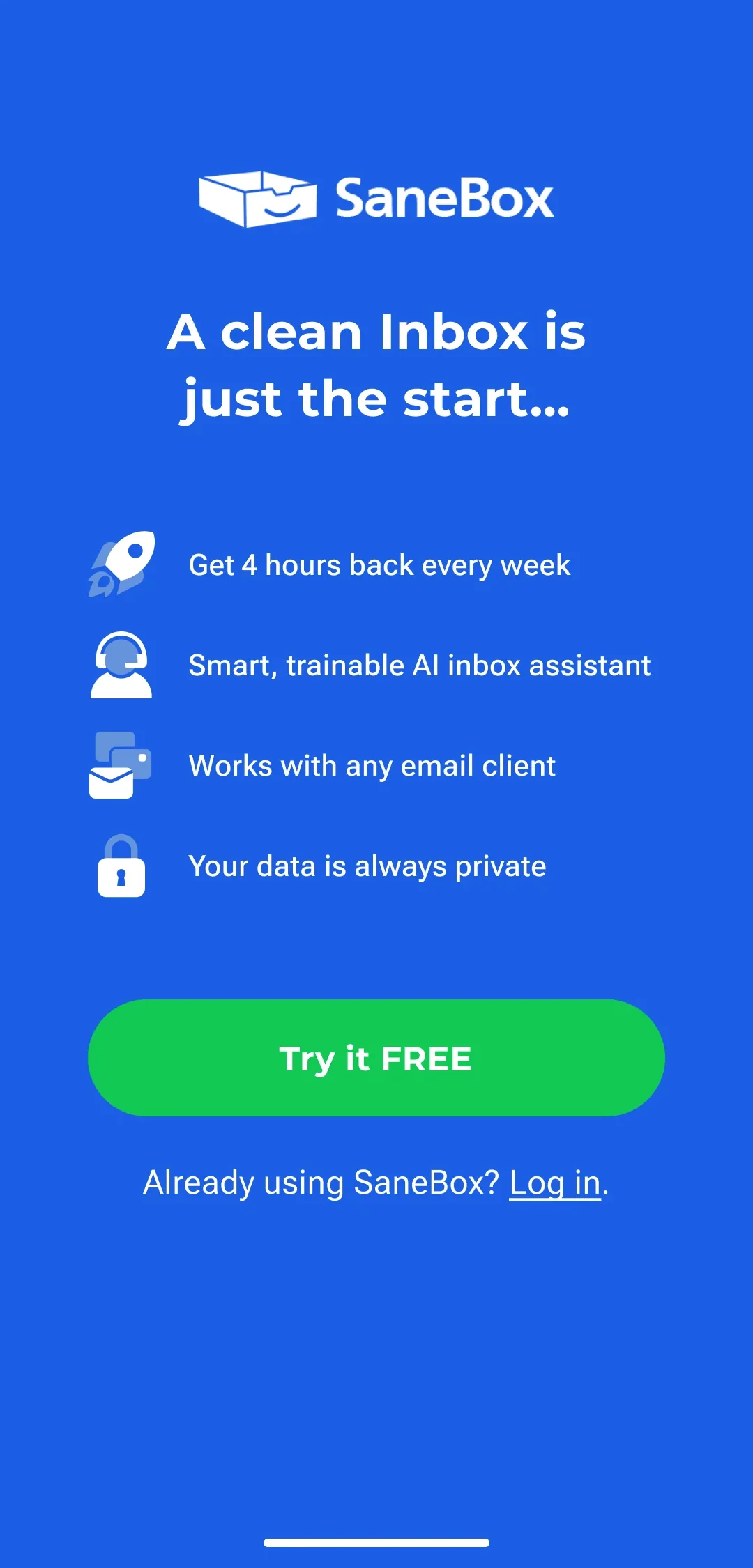
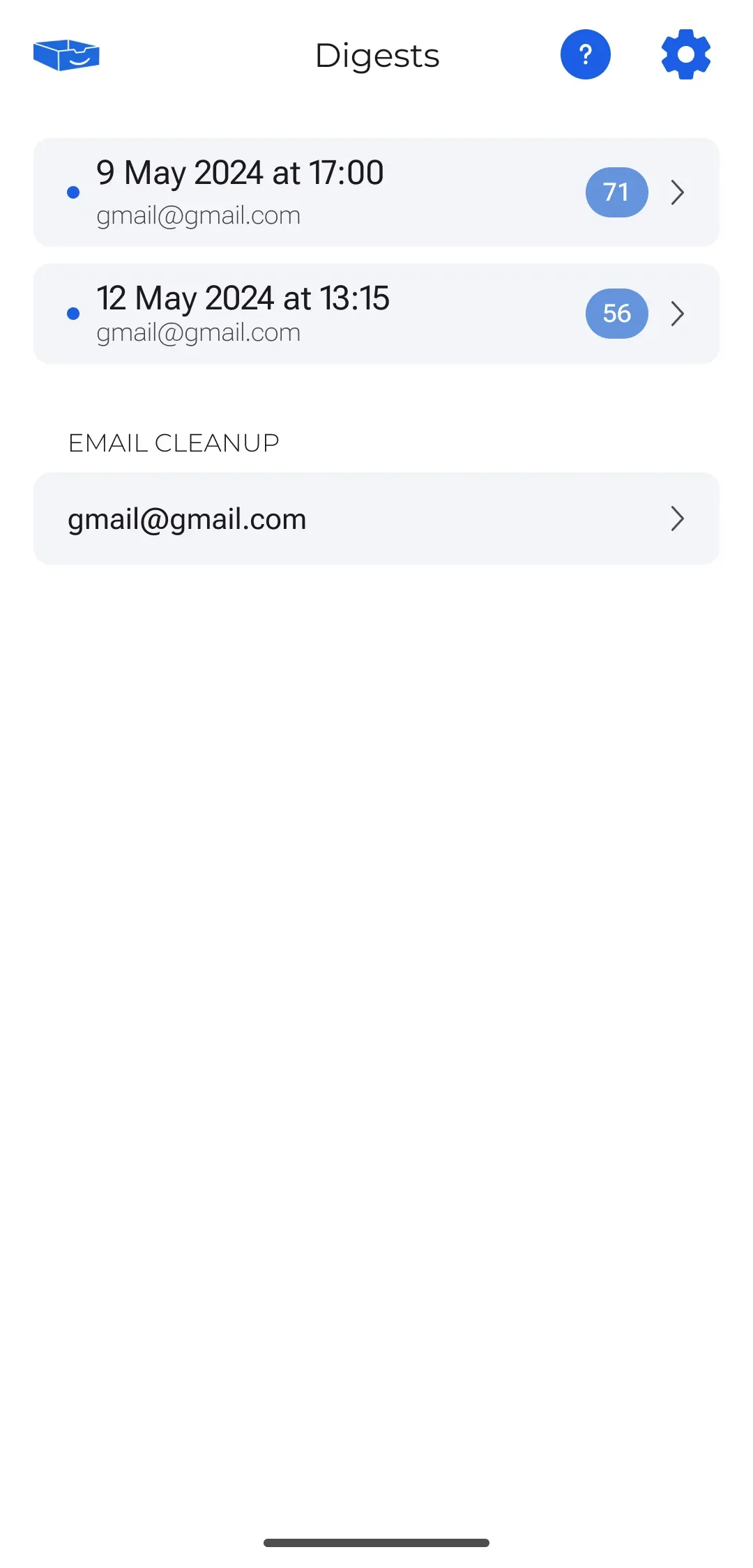
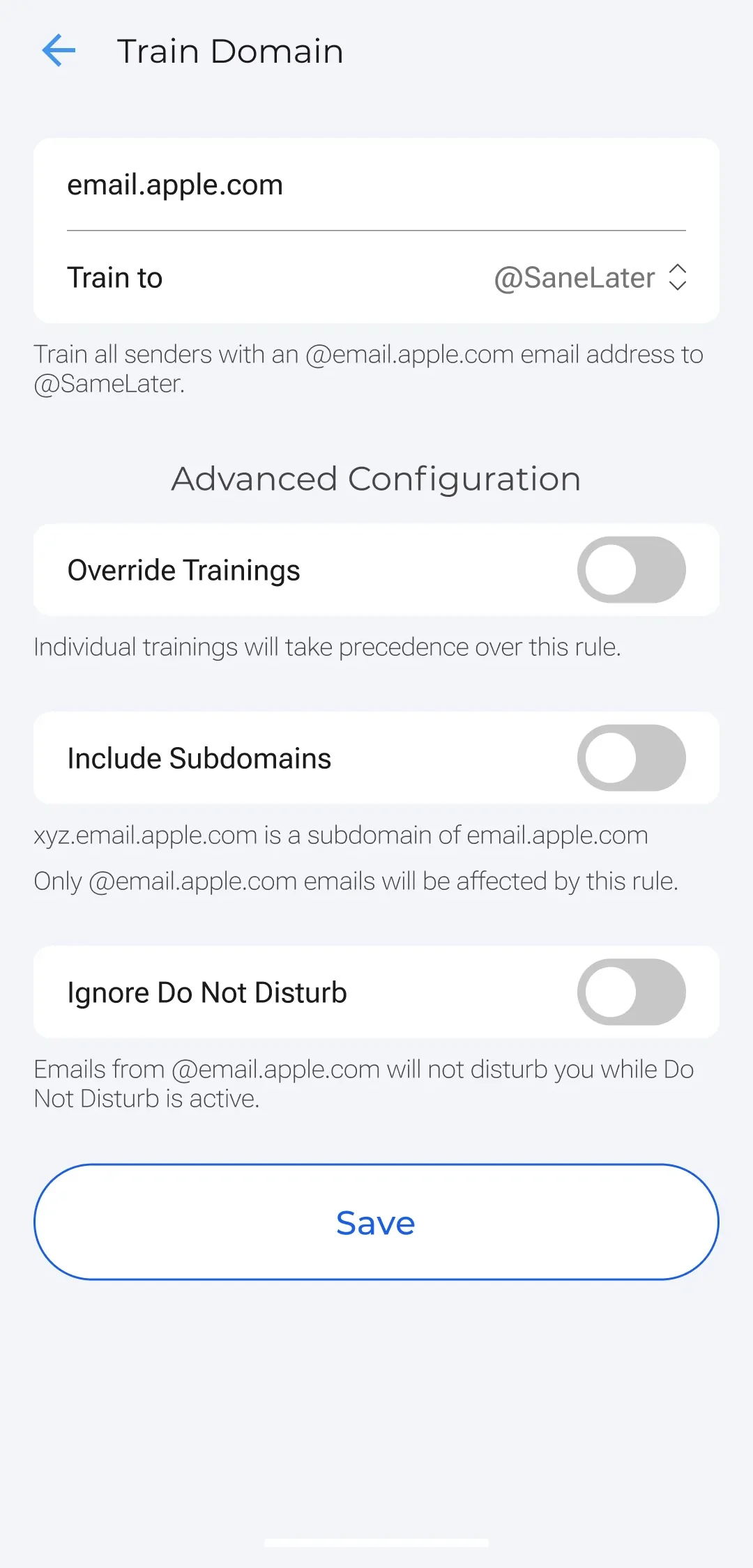
The app's screens
Inside SaneBox



Results
What we delivered
Native Android
Kotlin and Jetpack Compose, designed in Material Design.
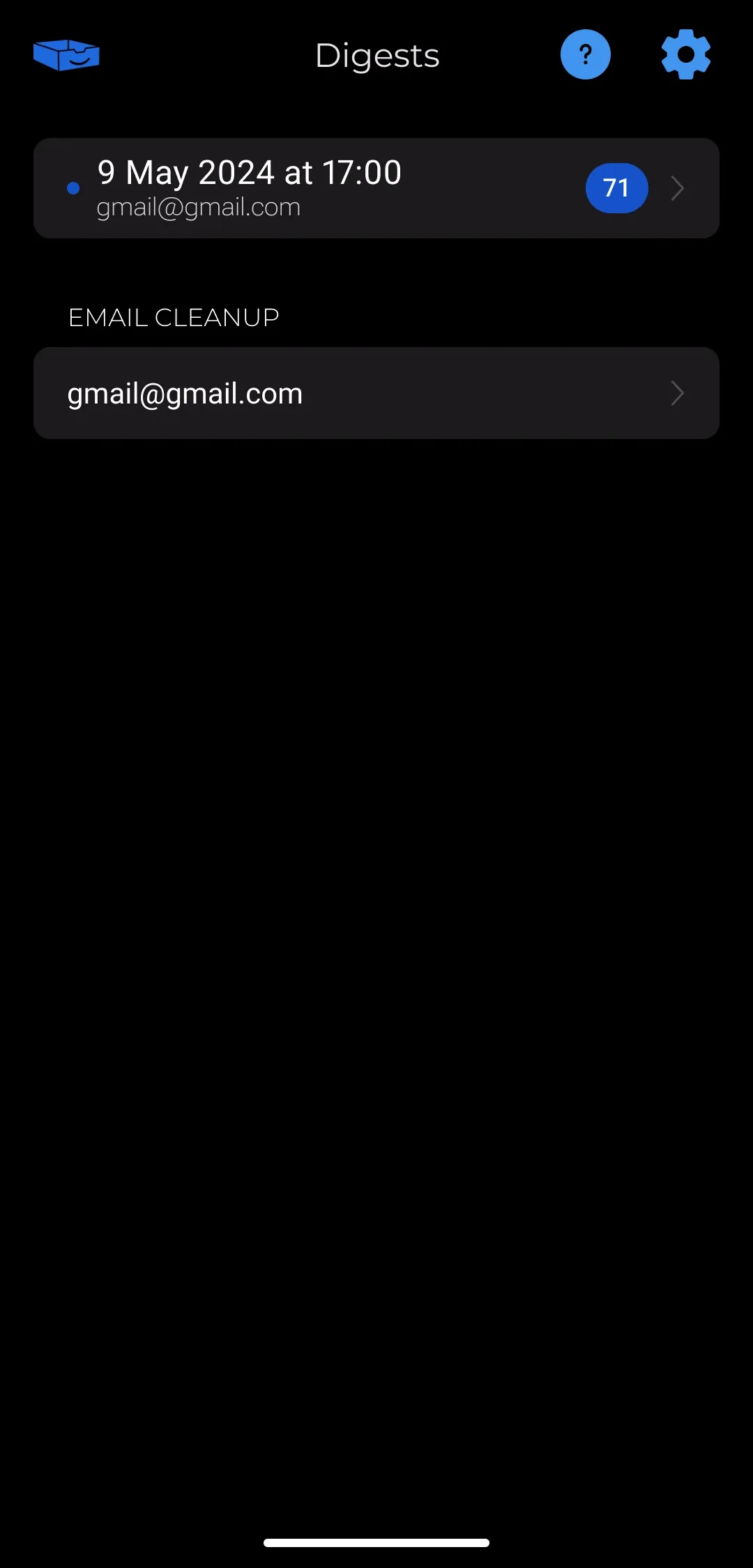
Digest and cleanup
The summary of unimportant mail, ready to review and clear in the app.
Training with a tap
Train a domain or a subject to a folder once, and SaneBox keeps sorting that way.
Any mailbox
Connect Gmail, Outlook, iCloud, Yahoo, AOL or any other account.
Technology
Need something like SaneBox?
Tell us about your product. The first call and the rough estimate are free; on outsourced development and staff augmentation there is no upfront payment.
The services behind it: Android App Development, Native App Development.
Next case
RxPhoto